Install Motion Path — it’s free → See the product page
You animate something in Figma. Then someone asks for it: a GIF for the release email, an MP4 for Slack, a Lottie for the iOS build. And that’s where the workflow used to fall apart — you’d screen-record the canvas, crop it, convert it, and hope the timing survived.
Motion Path now exports to all of them. Two additions, both in the titlebar … menu.
Figma itself grew a video encoder this summer (Plugin API Update 131, 16 July 2026), and Motion Path now hands your animation straight to it. That distinction matters: this isn’t a re-render or an approximation of your motion. Figma encodes the same timeline it plays, so the file you get back is canvas playback.
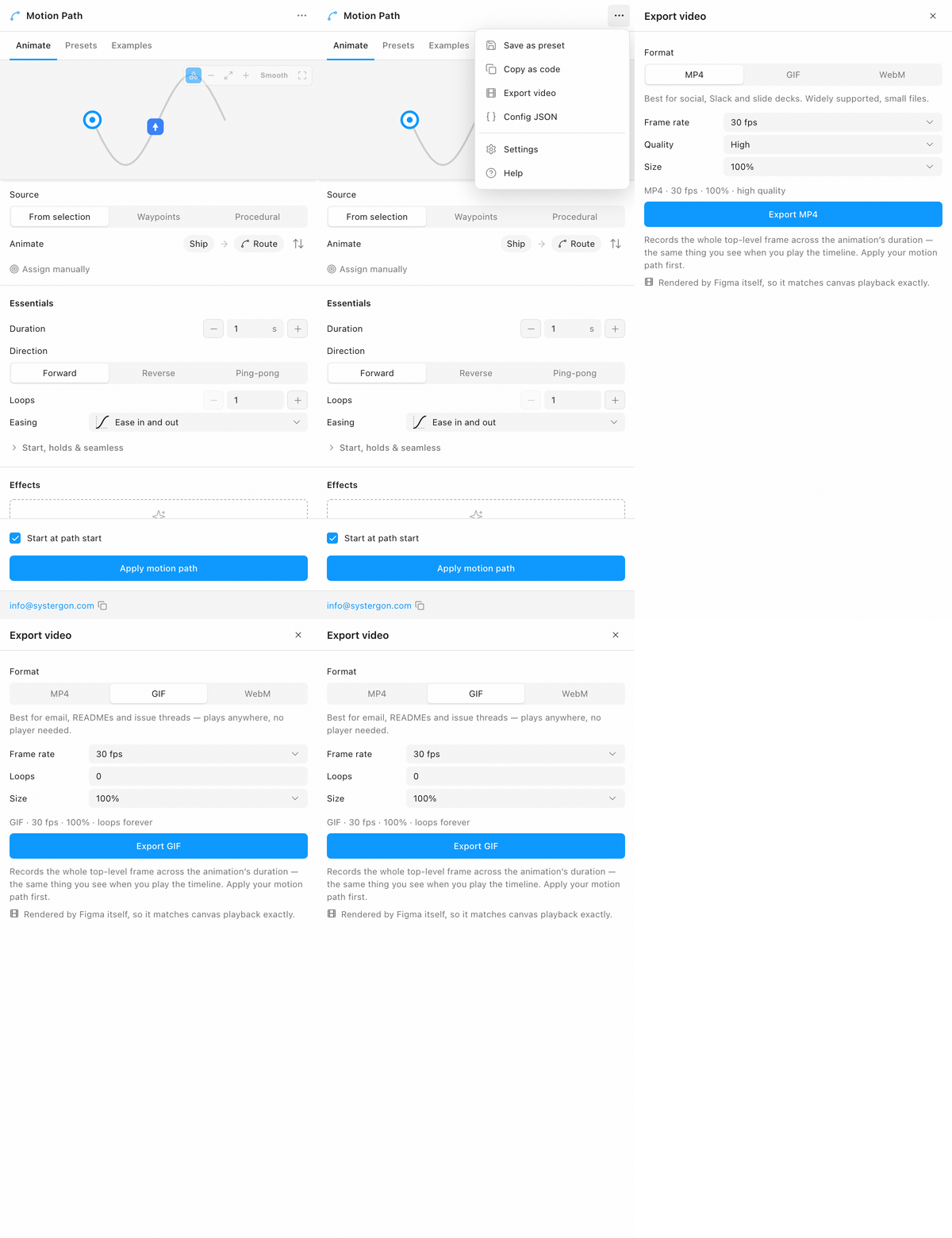
Open the … menu and choose Export video:
Pick your format and the panel adapts to it. MP4 and WebM offer a quality preset; GIF swaps that for a loop count, because that’s the knob GIF actually has — leave it at 0 and it loops forever.
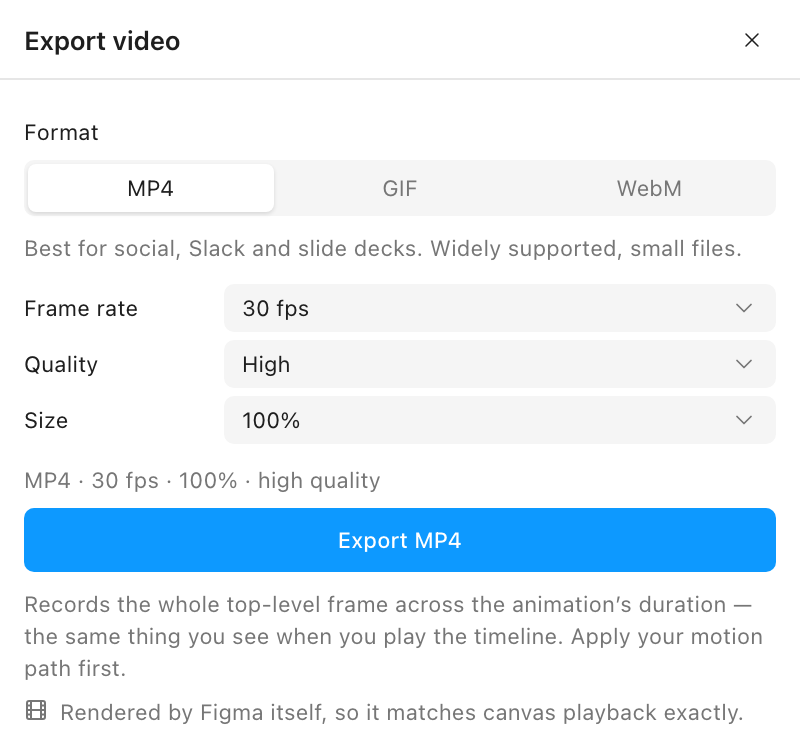
Frame rate runs 12 / 24 / 30 / 60 for MP4 and WebM, 8 / 12 / 15 / 24 / 30 for GIF, and Size scales the output from 50% to 4×. A line under the controls tells you what you’re about to get before you commit to the encode.
One rule worth knowing: Figma encodes a top-level frame — a frame sitting directly on the page. You almost never have that selected; you have the layer that moves. So Motion Path walks up and finds the frame for you. Select the animated layer, or its frame, and export either way.
Lottie is what actually ships. It’s the format iOS, Android, React Native and the web all consume, and it’s the one thing Figma’s own Copy as doesn’t give you — native Motion copies out CSS, JSON and React, but not Lottie.
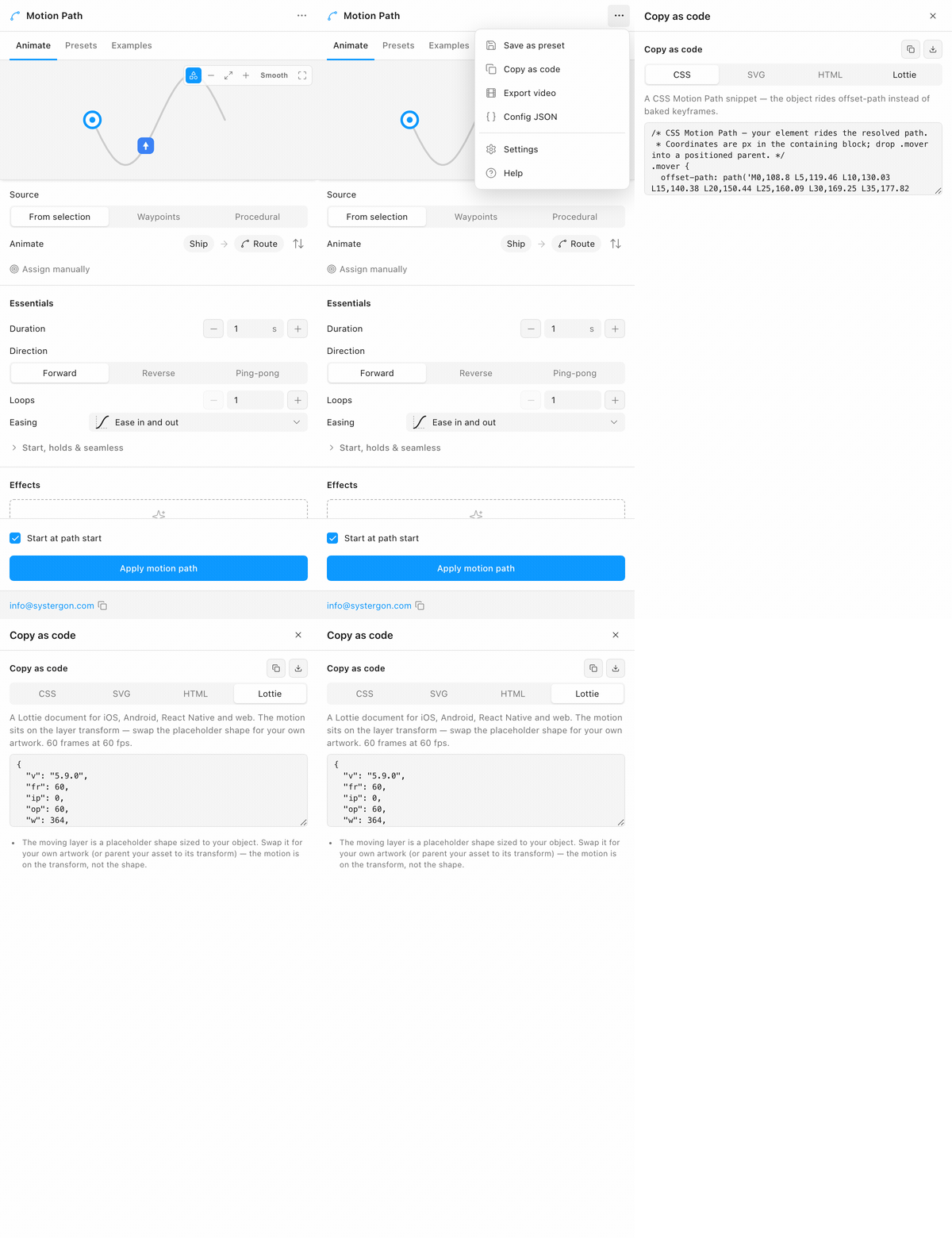
It lives beside the other handoff formats. … menu → Copy as code → the Lottie tab:
You get a complete Lottie document, ready to copy or download:
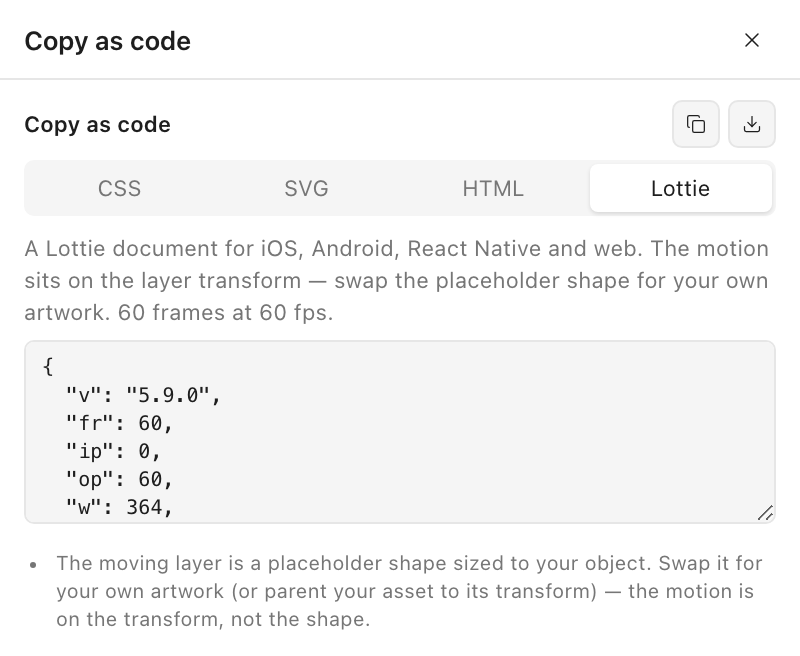
The whole animation rides the layer’s transform — position, rotation, opacity and scale. The shape inside is a placeholder sized to your object, so a developer swaps it for the real artwork (or parents their asset to that transform) and keeps every bit of the motion. Notes under the snippet spell out what Lottie can’t carry — colour shift, motion blur, trail, squash & stretch, anticipation — rather than dropping them silently.
Worth being straight about, because it looks like a lot of keyframes when you open the file. Lottie has no equivalent of CSS’s offset-path: there is no way to say “follow this curve, with this easing.” An object riding a curve simply cannot be two keyframes and a timing function.
So the path is sampled densely and the easing is folded into when each point along it is reached. The result is that your easing is preserved exactly rather than approximated — the same approach Motion Path already uses when it bakes to the Figma canvas. Travel is measured by real arc length too, so a dense cluster of vertices doesn’t quietly slow the object down.
We checked it against a real player rather than trusting that the JSON looked plausible: loaded into lottie-web, an object on a circular path holds a constant radius from the centre to within a fraction of a pixel, the facing sweeps a clean 360°, and the frame spacing is visibly uneven under an ease — which is exactly what “the easing is in the timing” should look like.
Two smaller things you’ll notice in the preview.
The preview now draws your actual layer riding the path, at its true size relative to the path, instead of a placeholder dot — so what you’re judging is the real composition. Toggle it with the shapes icon in the preview controls.
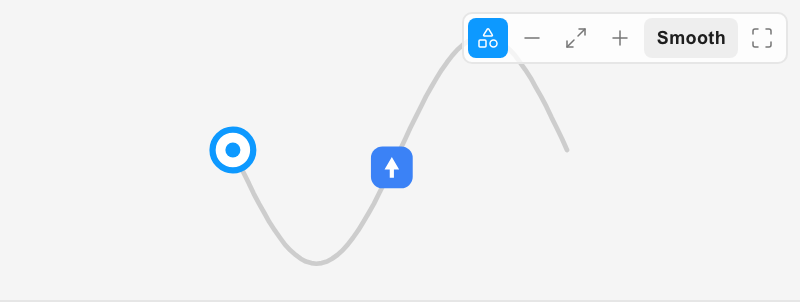
And dragging the start point now reports real numbers: distance from the path start and end, and the live X/Y under your cursor — measured against the parent frame, so it matches Figma’s own position panel instead of making you convert.
A motion design that only exists inside a Figma file is a design that has to be re-made by somebody else. The gap between “it looks right in the panel” and “it’s in the product” is where timing gets lost and intent gets negotiated away.
Video closes the short half of that gap — the email, the deck, the Slack thread, the Dribbble post. Lottie closes the long half: the engineer drops in a file that already is your timing, and nobody re-derives an easing curve from a screen recording.
Still writes real, native Figma Motion keyframes.
This post is the release note. The guides below carry the detail — the exact clicks, every setting explained, and the questions that come up afterwards.